Why Version Control Exists!? The “Pen-drive Problem”
Origin story of how version controlling evolved to saved us 'developers'!
My articles on various topics from "Computer Science Basics" to "Software Engineering", "System Design" in beginner-friendly way.
Written with the focus to help my readers to build mental models, real-world analogies, and simple explanations for complex problems.

If you have ever worked on source code of any commercial software or any web or mobile app, it is pretty unlikely that you have not come across any version controlling tools. Mostly, we see Git being widely used in almost all latest software code bases, while few legacy code bases still use older version controlling software such as SVN (Apache subversion ) or Mercurial.
Has it ever crossed your mind, that why do we use it, or why do we even need it? I mean, there are already so many brain-melting jargons, tools and softwares in software development field, that have already made software development pretty overwhelming and scary for many of us, so, why another layer of trouble?
Let me help you understanding the the origin of “Version Control Systems” and how it saved us “developers”, from eternal dwelling of “my code has been modified! Who changed it?“ to the rabbit hole of “final“, “final_v2“, “latest_final“ directories of deliverable codes, especially in our modern day complex softwares used in wide range of machines. Hi! My name is Abhirup Roy, I am a software engineer with a decade of experience of working on different software code bases and I’ve seen these problems first-hand, repeatedly.
Today’s polished and fancy software development is an outcome of a continuous evolution from a time that predates 1970s, when software development was quite chaotic. Programmers used to store source code on physical punched cards, which they had to manually organize and store in boxes—essentially maintaining a manual versioning system. Later during 1970s, when Unix became popular computer operating system, developers began moving to time-shared computers. With multiple developers working on shared systems and files stored on disks, there was no systematic way to track who changed what, when, or why. Developers would manually copy files to create versions, risking accidental overwrites and data loss.
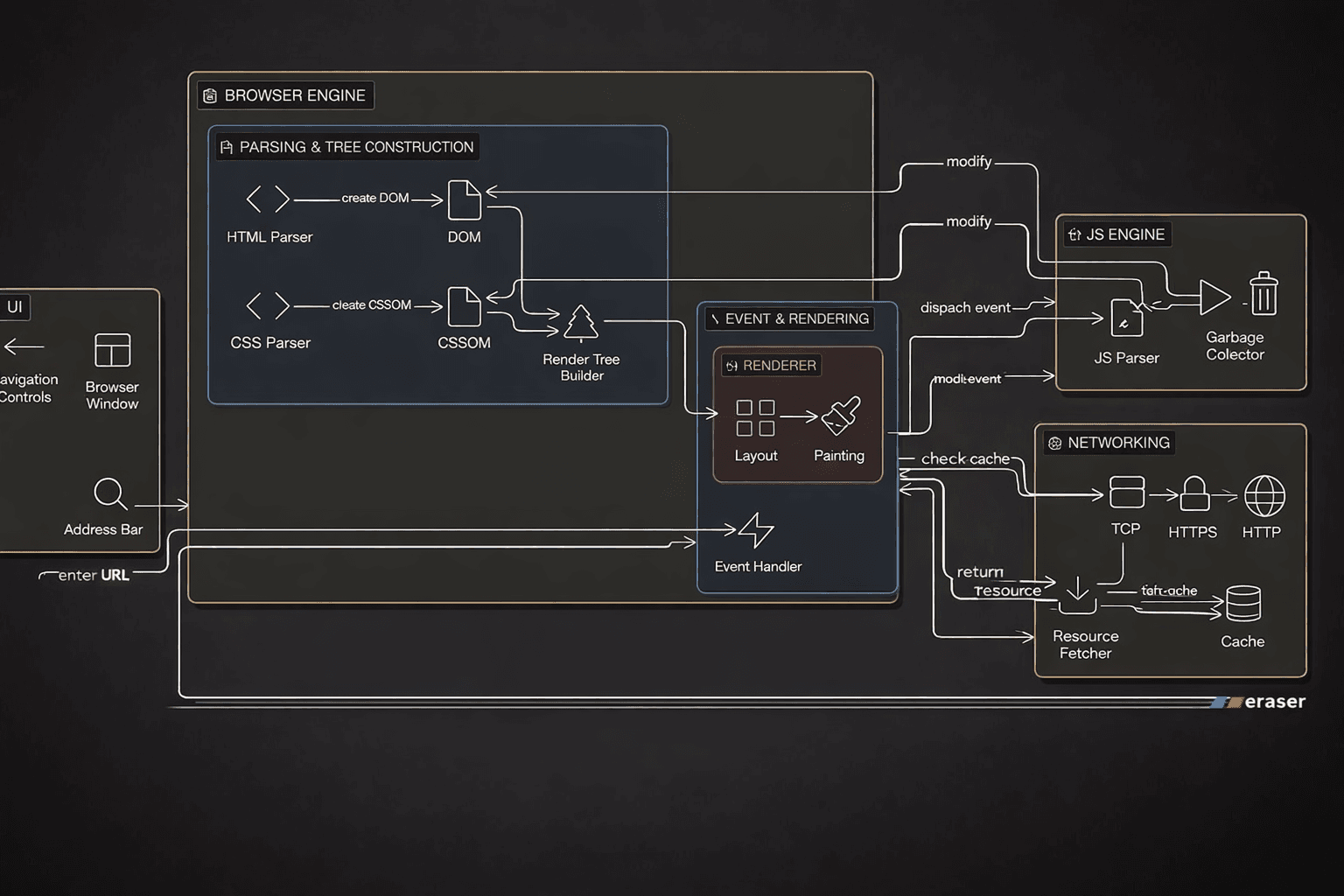
Let us use a flow diagram to understand this manual source code versioning menace a little better:

The core problems in this approach were:
No way to track change history
No accountability for who made which changes
Manual file copying was error-prone
Reverting to a previous version was nearly impossible
Concurrent development caused constant conflicts
A modern day analogy to this situation would be copying source code base to a pen-drive (aka USB flash drive) and sharing with your team of multiple developers, for collaborating and simultaneously working on different components of the software, altogether. In no time, all the above mentioned problems will infest your entire code base and the obvious result will be - “A Total mess”.
In search of solution to this problem, many legendary software engineers have developed different solutions over time, addressing various aspects of what a ‘version controlling tool’ should do.
Era 1: Local Version Control Systems (1972 ~ 1990s)
Marc Rochkind at Bell Laboratories, created “Source Code Control System (SCSS)“ in 1972, the first version control software. Originally written in SNOBOL for an IBM System/370, which Rochkind rewrote in C for UNIX OS in 1973. The first public release came on February 18, 1977.
SCCS introduced revolutionary concepts for its time:
Delta storage: Instead of storing complete copies of every version, SCCS stored only the differences (deltas) between versions using interleaved delta format, dramatically reducing storage requirements.
Version tracking: It maintained a history of all changes with metadata including who made changes, when, and comments (predecessors of today's commit messages)
Version numbering: It introduced versioning schemes like 1.1.1 and 1.2.5
Simple operations: Users could issue
getcommands to retrieve versions anddeltacommands to record changes
However, SCCS had significant limitations. It was local-only (no network support), single-file only (tracked one file at a time, not entire projects), and used a locking mechanism where only one developer could edit a file at a time. Merging multiple developers' changes was impossible.
In 1982, Walter Tichy at Purdue University developed the Revision Control System (RCS), publishing his design in a landmark paper at ICSE'82. RCS maintained SCCS's core concepts but introduced a crucial innovation: reversed deltas. Rather than storing the original file plus forward deltas (SCCS's approach), RCS stored the most recent version in full and backward-pointing deltas to older versions. This optimization had profound implications: checking out the latest version became much faster (the most common operation), while retrieving older versions became slower. For typical workflows, this was an excellent trade-off. RCS brought additional improvements:
Better user experience: Users could specify either the working file or version file, not just version file commands
Improved locking mechanism: Unprivileged users could override locks, and lock-breakers received email notification
Delta format: Used the more efficient
diffformat instead of SCCS's interleaved deltas
RCS remained the dominant local version control system through the 1980s, but it still suffered from SCCS's fundamental limitation: only one developer could work on a file at a time. The field needed a breakthrough that would enable concurrent access.
Era 2: Centralized Version Control Systems (1986 ~ 2004)
Dick Grune developed the Concurrent Versions System (CVS) in July 1986 as a series of shell scripts (later rewritten in C by Brian Berliner in the 1990s). CVS represented a fundamental architectural leap: it was the first version control system to allow multiple developers to work on the same files simultaneously.
CVS's innovations:
Client-server architecture: A central server stored the repository; developers checked out copies, made changes locally, and committed back
Project-level tracking: Unlike RCS and SCCS (file-level), CVS tracked entire projects and could manage atomic commits across multiple files
Network support: Developers could work from different machines over the network
Concurrent development: Multiple programmers could edit the same file without blocking each other
Merge operations: CVS implemented merge algorithms that combined concurrent changes
Branching and tagging: Full support for project branches and version tags
CVS used a clever approach, it operated as a "front-end to RCS," using RCS's file format internally while adding project-level features. This allowed developers to work independently on private copies and merge changes collaboratively.
However, CVS had limitations. It struggled with binary file handling, directory operations, and atomic commits (a commit could partially succeed, leaving the repository in an inconsistent state). Additionally, it could only track entire files, not directories as first-class objects.
Despite these limitations, CVS became the de facto standard for collaborative development by the 1990s.
By the 1990s, the growth of the internet drove demand for better remote repository access. Subversion (SVN) emerged as the spiritual successor to CVS, addressing major limitations:
Atomic commits: An entire change-set either commits fully or not at all
Binary file support: True binary versioning without special handling
Directory versioning: Directories are first-class objects
Renamed file tracking: Handles file and directory renames properly
SVN and other centralized systems (Perforce, ClearCase, SourceSafe) dominated enterprise development through the 2000s. Their appeal was clear: a single source of truth, straightforward backup procedures, and centralized access control.
However, centralized systems had inherent limitations that would become very obvious as the internet enabled distributed teams:
Network dependency: Developers needed constant server access to commit; offline work was limited
Merge complexity: Centralizing changes created bottlenecks
Single point of failure: The central server was critical infrastructure
Slow operations: Many operations required round-trips to the server
The stage was set for a revolution.
Era 3: Distributed Version Control Systems (2005 ~ Present Day)
In 2004, the free license for BitKeeper—a proprietary distributed version control system used by the Linux kernel—was revoked. Linus Torvalds, who had led Linux kernel development for over a decade, faced an impossible choice: pay for proprietary software or find an alternative.
Torvalds investigated existing free version control systems, but none met his stringent requirements. Linux kernel development required extreme performance: developers synchronized with 250+ patch operations simultaneously. With CVS taking 30 seconds per patch operation, synchronization would take hours. Torvalds specified aggressive design goals:
Speed: Patching operations must complete in 3 seconds (he later achieved 6.7 patches/second)
Distributed workflow: Like BitKeeper, every developer needs a complete repository copy
Data integrity: Cryptographic safeguards against accidental or malicious corruption
Opposite of CVS: "Take CVS as an example of what not to do; if in doubt, make the exact opposite decision"
These requirements eliminated every existing system, so Torvalds built his own. Git development began April 3, 2005. Torvalds announced the project on April 6 and achieved self-hosting the next day. By April 29, he had benchmarked Git handling kernel patches at 6.7 patches per second—nearly 200x faster than CVS. On June 16, Git managed the Linux 2.6.12 release.
Git's Revolutionary Architecture
Git's design broke fundamental assumptions that had guided version control systems for 30 years:
Distributed repositories: Every clone contains the full history. Developers work offline; synchronization happens through peer-to-peer push/pull operations rather than client-server check-in/check-out.
Snapshot-based architecture: Git snapshots entire directory trees, not individual file versions. Unlike RCS/SCCS/CVS (which tracked file identity), Git focuses on content itself. Files can be renamed, split, or merged without losing history.
Content-addressable file system: Each object (commit, tree, blob) is identified by SHA-1 hash of its contents. This provides cryptographic integrity—changing history would require recalculating all subsequent hashes, making corruption obvious.
Three-way merging: Git implements multiple merge strategies, with recursive merging (handling multiple common ancestors) as default, reducing merge conflicts.
Efficient storage: Git uses delta compression (storing changes relative to similar objects) and periodic "garbage collection" to maintain repository efficiency.
Lightweight branching: A branch is merely a reference to a commit, making branch creation trivial. This enables aggressive experimentation.
These architectural choices made Git fundamentally faster and more suitable for large-scale distributed development than any previous system. Other distributed systems like Mercurial, Bazaar and Darcs were also developed as alternative to Git. But Git outpaced them on speed and wide-spread adoption. Git's adoption curve is unprecedented in software development. This acceleration was driven by complementary factors:
GitHub (2008) - Transformed Git from a command-line tool into a social network for developers. GitHub introduced pull requests, a workflows innovation that simplified code review. By offering free public repositories and paid private repositories, GitHub democratized collaboration. Today, GitHub hosts over 200 million repositories.
GitLab (2013) - GitLab provided self-hosted Git with integrated CI/CD, DevOps tooling, and enterprise security features. For organizations requiring on-premise infrastructure, GitLab offered a comprehensive DevOps platform.
BitBucket, Microsoft’s acquisition of GitHub and numerous other platform based on Git, cemented Git’s position as most favored choice for Version Controlling Software.
Modern Git and Git-based platforms like GitHub, GitLab, and BitBucket have turned version control from a necessary burden into a productive, collaborative backbone for software teams. They make everyday work faster, safer, and more automated through branching, pull requests, and deep CI/CD integration.
How Git Makes Developers’ Lives Easier
Git’s distributed model gives every developer a full local copy of the repository, so they can commit, diff, and browse history without any network connection. This removes central-server bottlenecks and lets work continue even when VPNs or servers are down.
Lightweight branching and merging enable feature branches for every task, letting teams isolate experiments or bug fixes without risking the main production branch. This keeps main stable while still encouraging rapid change and experimentation.
Detailed commit history with authors, timestamps, and messages allows easy blame/annotate, audit trails, and precise rollbacks when something goes wrong.
Built‑in data integrity (cryptographic hashes for commits and objects) protects history from silent corruption or tampering, which is crucial for large, long‑lived projects.
Safer experimentation: Cheap branches plus PR review mean developers can try ideas without fear of breaking production; unwanted experiments can simply be deleted.
Better collaboration: Distributed Git plus GitHub/GitLab/BitBucket’s social features (PRs, comments, mentions, issues) let globally distributed teams work effectively across time zones.
Higher code quality: Mandatory review, automated testing, and protected branches dramatically reduce bugs reaching users and make it easy to trace when and why a regression appeared.
Faster delivery: The combination of feature branches, CI, and CD supports small, frequent releases rather than risky big‑bang deploys, aligning with agile and DevOps best practices.
So, if you are new to software development fraternity, make friendship with Git and Git-based remote repository platforms. On the other hand, if you already have professional experience in software development, having an impressive GitHub profile with real proof of work is much better strategy for networking on X or LinkedIn or applying for Job posts.
If you liked my article, you can subscribe to my blog and get notified, whenever I write a new article on other topics relating to software engineering.
Namaste! Jai Hind!